Folder Browser
Import Tag List Data
Select Table Import
Import All Tables
Folder Browser
Add Workshare Location
Worksahre Location can be created for multiple worksites having different folder structure. A typical example for a workshare site can be :
- Client Office
- EPC 1
- EPC 2
- EPC 3
- Vendor 1
- Vendor 2
- Vendor 3
- Site Location 1
- Site Location 2, etc
Create Folder Sets
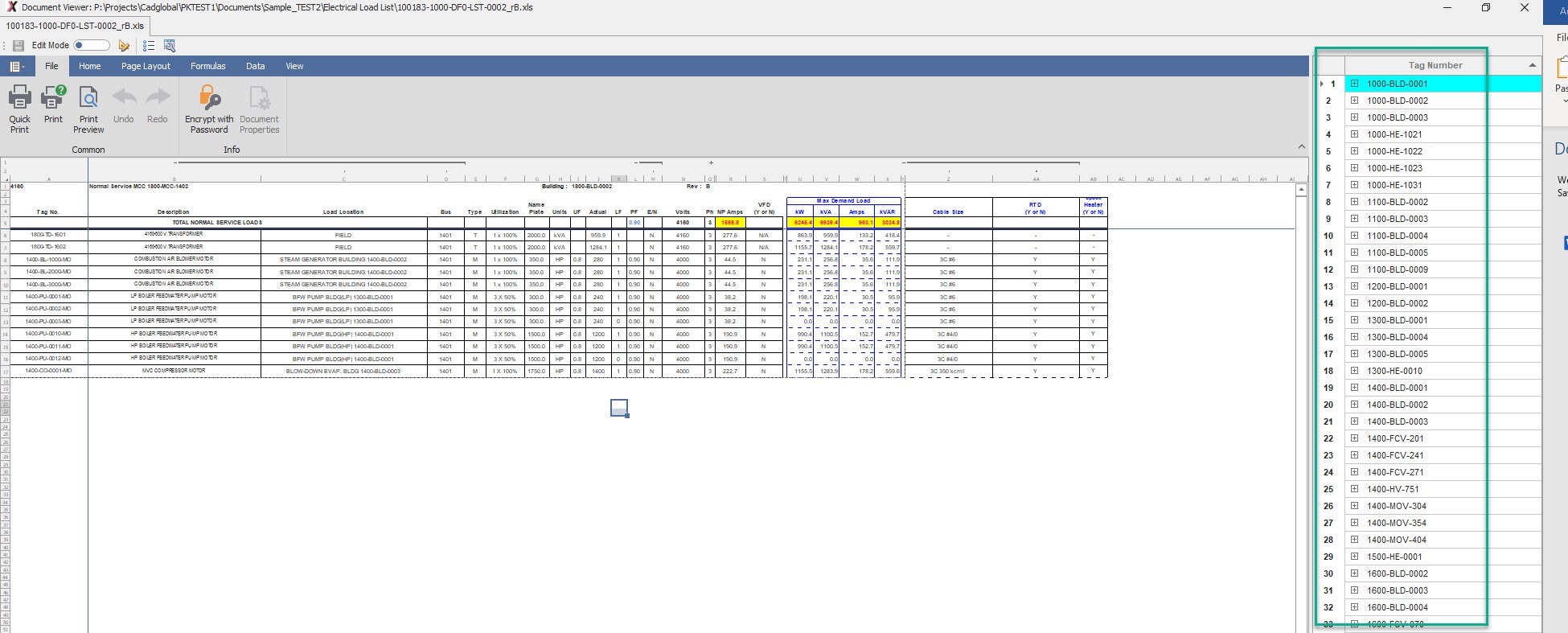
Add Folders For Document Import
Edit Folder Mappings
Refresh Folder Structure
Drawing Import
Drawing import can be used to process CAD drawings in the following formats :
- AutoCAD Drawings : All versions of AutoCAD with file extension .DWG are supported.
- DXF and DGN Drawings : These drawings can be converted to .DWG format for porcessing. The folder browser must be configured to show the drawings to be processed.
Import Drawings
Load AutoCAD Drawing Tags
How to Load AutoCAD Drawing Tags
- Go into the drawings import tag and under the Folder Browse tab, select the folder in which we need to add the
files.
- Click on the ADD button and navigate to the source folder and click SELECT.